Key Benefits
Real-time Updates
Instant notifications when verifications complete or fail without API polling
Secure & Reliable
Cryptographically signed payloads with automatic retry mechanism
Comprehensive Events
Verification lifecycle events, step completion, and error notifications
Selective Notifications
Choose which events to receive and filter by verification types
How Webhooks Work
1
Event Occurs
A verification process completes or changes status
2
Webhook Triggered
Urtentic prepares a webhook payload and cryptographically signs it
3
HTTP Request Sent
POST request sent to your configured endpoint
4
Response Processed
Your endpoint processes the event, responds, and retries if needed
Supported Events
Verification Lifecycle Events
Step-Specific Events
Webhook Payload Structure
- Verification Completed
- Step Completed
- Other Events
Payload Fields
Base Event Fields
The
metadata object is completely flexible and defined by your application. Common fields include userId, reference, deviceId, sessionId, etc. This metadata is echoed back in all webhook notifications to help you correlate events with your users.Verification Completed Fields
Step Completed Fields
Security & Authentication
Webhook Signatures
Every webhook payload is signed using HMAC-SHA256 with your webhook secret:Signature Verification
Best Practices
- Always verify signatures to ensure webhooks are from Urtentic
- Check timestamps to prevent replay attacks
- Use HTTPS endpoints for webhook URLs
- Return appropriate HTTP status codes (200 for success)
- Process webhooks idempotently using the event ID
Retry Policy
Urtentic automatically retries failed webhook deliveries:Webhooks are considered failed if: non-2xx response, no response within 10 seconds, network error, or SSL error.
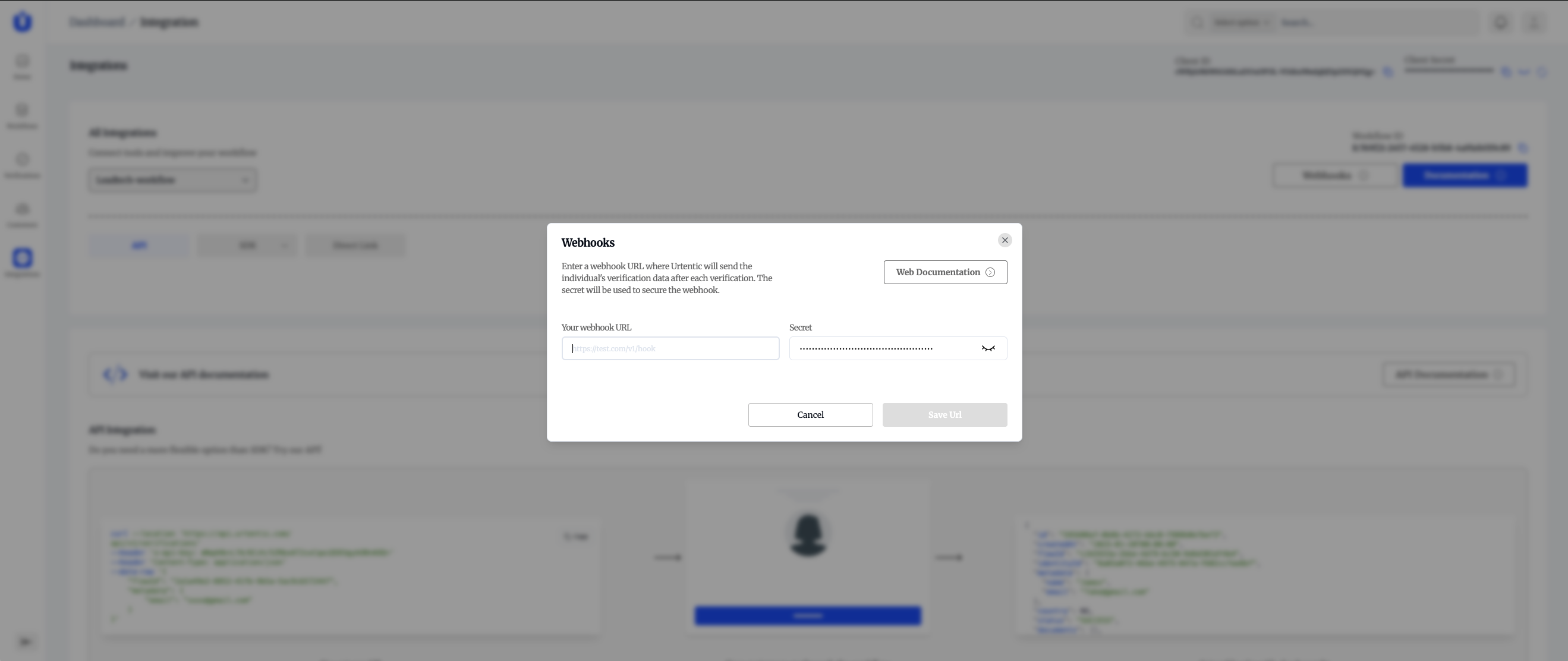
Webhook Configuration